Help I've forgotten my password

Anyone who's worked on websites that allow accounts to be created has received this request for help. Many times. Unfortunately there's just no way to fix this problem in a distributed database. Accounts are literally public/private key pairs and the only way you can prove you have ownership over them is to provide a password that matches the correct decryption algorithm. In a traditional, server based web application you can hash the password provided by a user, compare it to a value stored in your database and provide them with a session token to use your application. In a distributed database, if you don't know the password that matches your key pair then you're locked out of your account.

I wasn't interested in working on a project where this was a blocker though, as it's too much of a requirement to put on user's that they can never reset a password. The answer was to come up with a workaround that looks like a traditional password reset to the user. What I'm using in RSStream works surprisingly well and I plan to use the same pattern in other projects that use Gun.

If a user forgets their password, you can't just replace the password hash in your database to fix the problem. You actually need to create a new account for them in Gun and migrate their data across. However now you have more problems. How do you maintain an identity when switching accounts? And how do you associate the old account with the new one?

The user can pick a username and password, but they will need to change both if a user has locked themselves out of their account. The process RSStream uses is to store their chosen username in the host's account data and then add a numerical suffix to it automatically if a password reset is required. The login screen hides this process by looping through the range of possible usernames and suffix, along with the new password until a match is found. (This is similar to what Gun does anyway, as usernames aren't guaranteed to be unique.)

As I mentioned previously, your account code is the main reference to your account in RSStream. Your username can change, but it's stored against this code which also has a reference to your previous public key. This allows data to be migrated when you next log in. Unfortunately, this really isn't enough for secure account migration, which is why we need to discuss email next time.
Bootstrapping an application

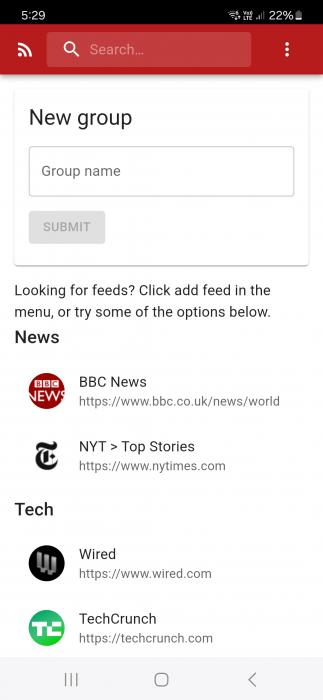
No I'm not talking about the UI toolkit, I mean how do you start an application using a distributed database that runs in the browser? In the last post I mentioned relying on a host account, which can be queried in Gun via it's public key. One of my first additions to RSStream was a /host-public-key endpoint. I wanted to be able to start from just the static build files and have the startup process take care of itself, so the first thing the browser does on load is check if it has the host account's public key in local storage, otherwise it will fetch it.

if (!pub) {
  fetch(`${window.location.origin}/host-public-key`)
    .then(res => res.text())
    .then(key => setPub(key))
  return
}

setHost(gun.user(pub))
localStorage.setItem("pub", pub)

Once it has this, it knows how to find all the data associated with the account. The next step to a useful piece of software is user accounts. Since Gun is distributed, it's possible for anyone to create an account. This is because it's all done in the browser, there's no server required to verify your credentials. But this is not overly useful if users can't discover each other, or if you want some sort of control over the sign up process. RSStream deals with this by using invite codes. The sign up process requires a code, which is stored alongside your public key in the host account's data after your user account is created in Gun.

// The server logs into the host user account on start up:
const user = gun.user()
user.auth(alias, pass, auth)

app.post("/claim-invite-code", async (req, res) => {
  const data = {
    pub: req.body.pub,
    alias: req.body.alias,
    name: req.body.alias,
  }
  user.get("accounts").get(code).put(data)
})

So the invite code starts as a sign up requirement and becomes a reference to your account in the host's data. The sign up form allows you to choose a username and password like it's a normal process, but as you will see, the code you're given becomes the main reference point for your account. From here on, once an account has been created from an invite code I will refer to this value as the account code.

First Post

Hello and welcome! This blog will be documenting some new projects built around a distributed database called GunDB. The idea with these projects will be that they're local and offline first, and they keep a copy of everything they need to function in the browser. Gun ticks a lot of the boxes required to enable this type of functionality. There's other projects that offer similar features, but I'm going to skip the pros and cons of what else is available and jump into working with Gun.

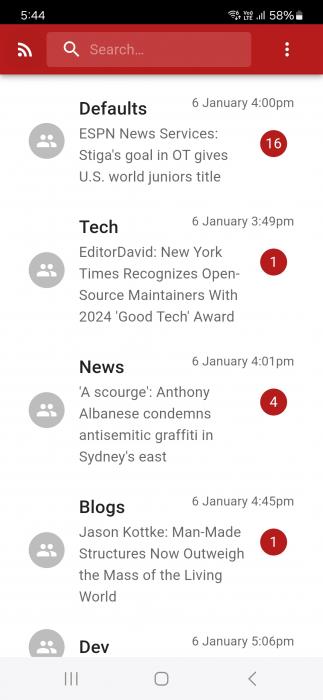
The first project I've been working on is called RSStream. It's a feed reader that stores everything in Gun, but does the feed processing using SimplePie and Dobrado, which are other projects I've worked on. Those services run on the same server and push data to a Node app that has access to Gun.

Before looking at how to store data in Gun, there's a bit of a mindset change required when working with a distributed database. Your first question should be, if everything is distributed how can I protect my data? Gun solves this problem by providing user accounts that can encrypt, sign and verify data. This makes it possible to store data under an account that can only be written when the account owner is logged in.

RSStream uses this feature to create a host account on the server, which provides a central location for application data. Wow first post and we're already talking about centralising data in a distributed database? Well we actually want two things. Data should be distributed as widely as required, to support users. But control should also be available to the administrators of an application when running a hosted service.

With this in mind, creating a host account means we now have a reliable place to store data that can't be modified, even though that data is distributed to browsers and other servers. We've reached the first step to having a usable piece of software! Stay tuned for more updates.